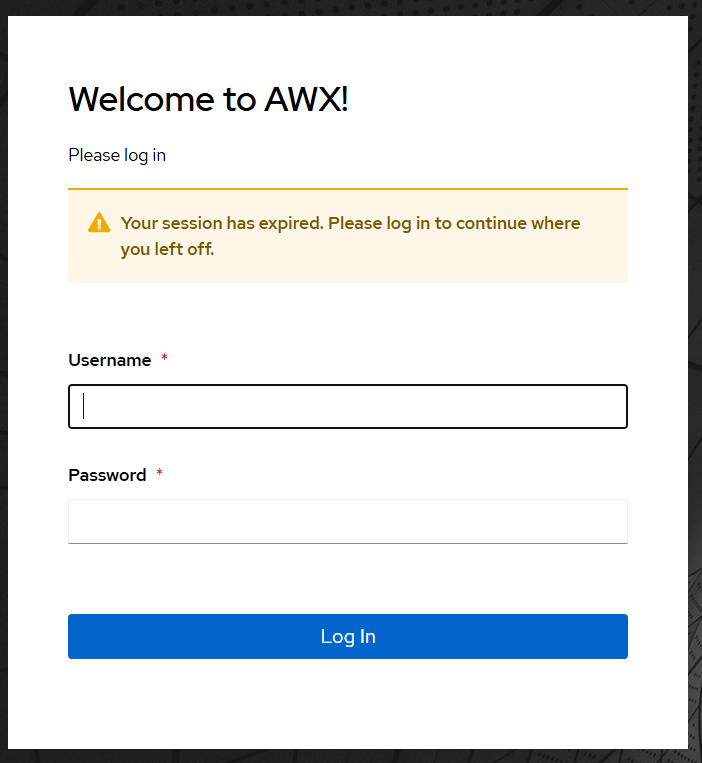
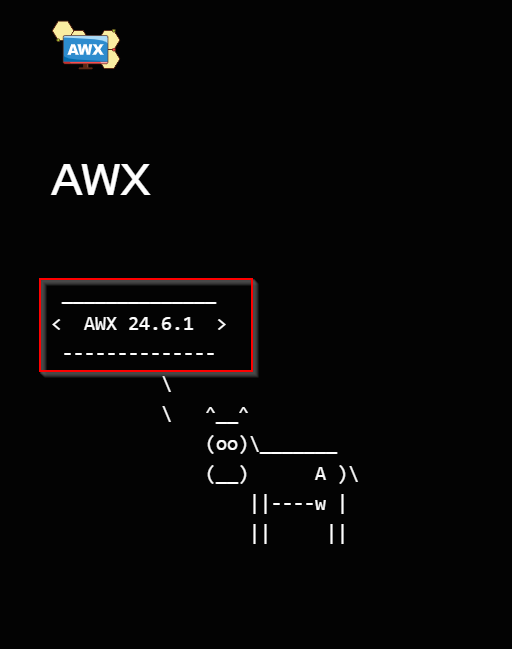
Install Ansible AWX with K3s on Ubuntu
To install Ansible AWX on Ubuntu 22.04 or 24.04, the recommended method is using K3s and the AWX Operator. This provides a lightweight Kubernetes environment suitable for managing automation tasks.
Deployment Of Ansible v.24.6
Update Your System
sudo apt update
sudo apt upgrade -y
Reboot the server
Install k3s
Install curl if not installed
sudo apt install curl
curl -sfL https://get.k3s.io | sh
Give Non-root User Access to K3s Config
sudo chown $USER:$USER /etc/rancher/k3s/k3s.yaml
export KUBECONFIG=/etc/rancher/k3s/k3s.yaml
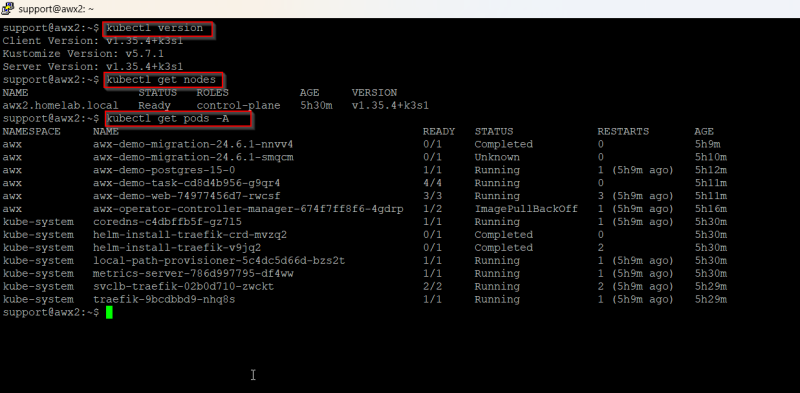
Verify Kubernetes Cluster
kubectl version
kubectl get nodes
kubectl get pods -A
Install Kustomize
curl -s "https://raw.githubusercontent.com/kubernetes-sigs/kustomize/master/hack/install_kustomize.sh" | bashsudo mv kustomize /usr/local/bin
Create Kustomization Directory
mkdir awx-deploy && cd awx-deploy
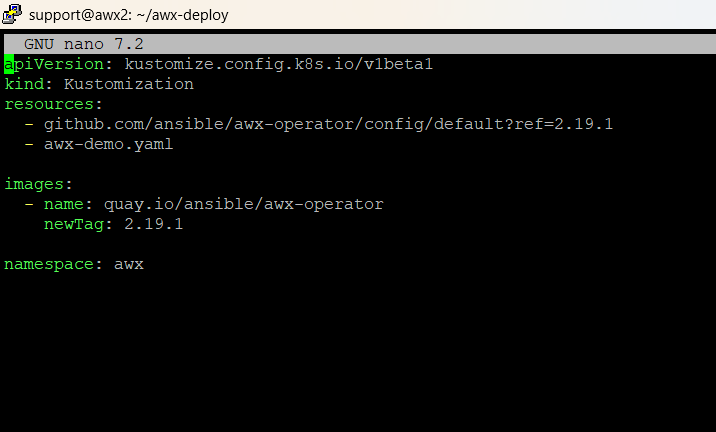
Create kustomization.yaml
nano kustomization.yaml
Add below to the file
apiVersion: kustomize.config.k8s.io/v1beta1
kind: Kustomization
resources:
- github.com/ansible/awx-operator/config/default?ref=2.19.1
images:
- name: quay.io/ansible/awx-operator newTag: 2.19.1
namespace: awx
Apply Kustomize Configuration
==kubectl apply -k .
OR
kustomize build . | kubectl apply -f -
If you get an error check if GIT is installed and if not install.
sudo apt install git
Verify Operator is Running
kubectl get pods -n awx
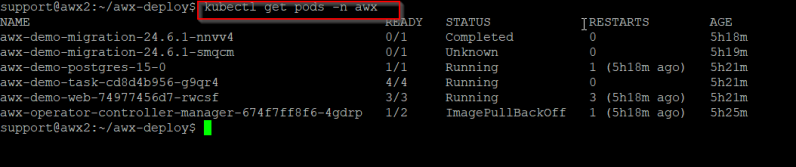
Create AWX Instance.
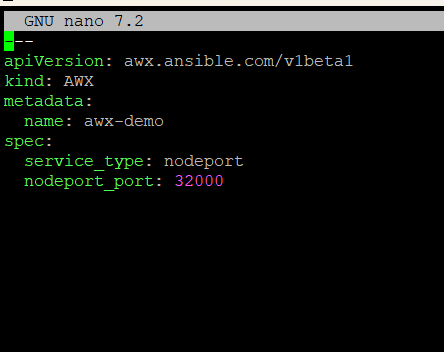
Create a file named awx-demo.yaml
nano awx-demo.yaml
Add below to the file
---apiVersion: awx.ansible.com/v1beta1
kind: AWX
metadata:
name: awx-demo
spec: service_type: nodeport
nodeport_port: 32000
Add Instance to Kustomization
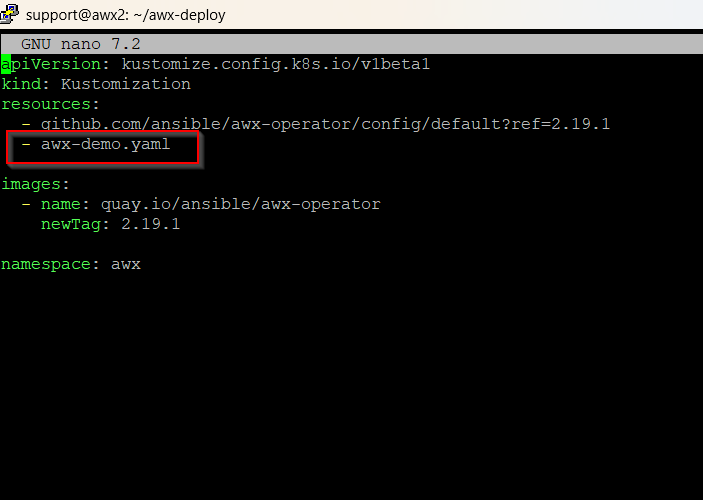
Update your kustomization.yaml to include awx-demo.yaml
edit file nano kustomization.yaml
add - awx-demo.yaml under resources
resources: - github.com/ansible/awx-operator/config/default?ref=2.19.1
- awx-demo.yaml
images: - name: quay.io/ansible/awx-operator newTag: 2.19.1
namespace: awx == 12. Reapply Kustomize Configuration ==kubectl apply -k .
Check POD Status
kubectl get pods -n awx

View Logs
kubectl logs -f deployment/awx-operator-controller-manager -c awx-manager -n awx
Retrieve Admin Password
kubectl get secret awx-demo-admin-password -n awx -o jsonpath="{.data.password}" | base64 --decode ; echo
Access the AWX Dashboard
Username: admin
Password: (from previous step)