Information
Time synchronization is not optional in VMware environments. In VVF 9, correct and consistent time across ESXi hosts and vCenter is mandatory for stability, authentication, clustering, and lifecycle operations.
Deployment Of NTP Server
Prerequisites of installing Chrony NTP server is have Ubuntu deployed and ready for NTP install.
Enable SSH on the server.
To enable SSH on Ubuntu, you must install the OpenSSH server package and ensure the service is running.
Run following commands to enable SSH.
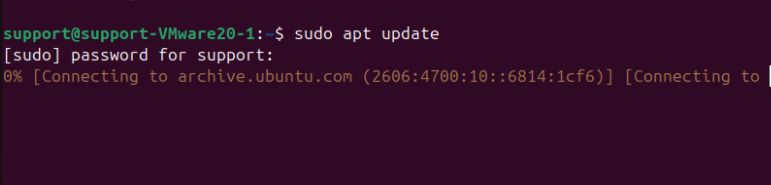
Check For Updates - sudo apt update
Install SSH Server - sudo apt install openssh-server

Enable and Start the Service - sudo systemctl enable --now ssh
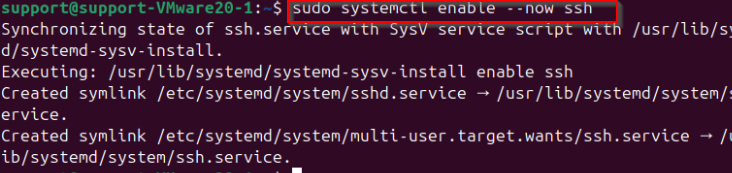
Check status of SSH

Configure the Firewall - sudo ufw allow ssh

Try accessing the server using Putty.

Installing And Configuration Of Chrony
Before installing chrony, you need to disable the default systemd-timesyncd service to prevent conflicts between time synchronization services.
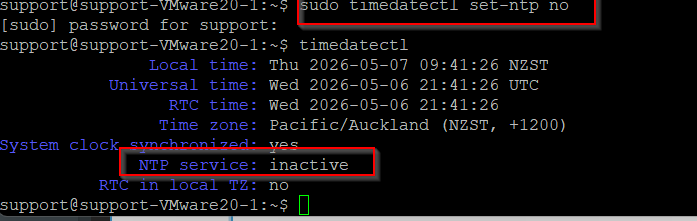
First, disable network time synchronization so that systemd-timesyncd stops managing your system clock:
sudo timedatectl set-ntp no
Next, verify that systemd-timesyncd is inactive by running timedatectl again:
timedatectl
In the output, confirm that the NTP service: field reads inactive
Now update your package index so you install the latest available version from your configured repositories:
sudo apt update
Install chrony
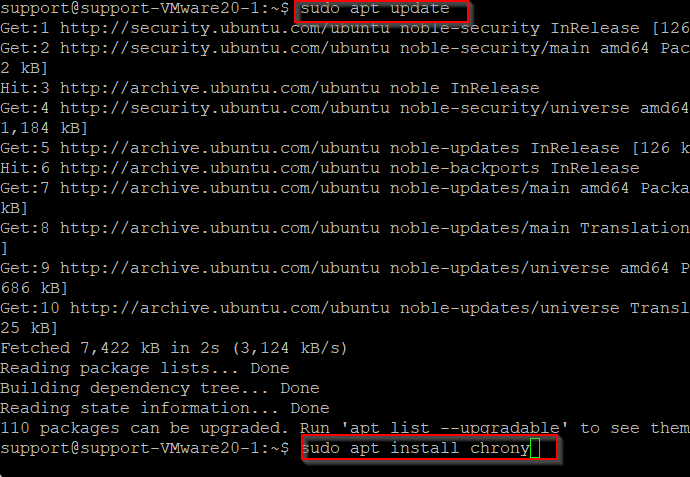
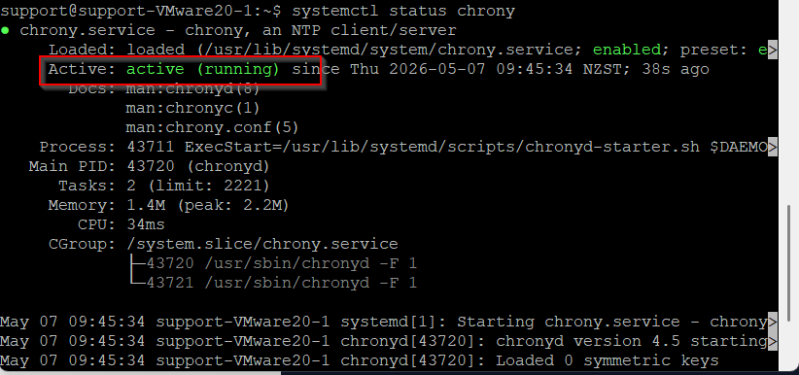
After the installation completes, the chrony service will start automatically. You can confirm that it is running by checking its status:
systemctl status chrony
If everything is working, the output will include active (running).
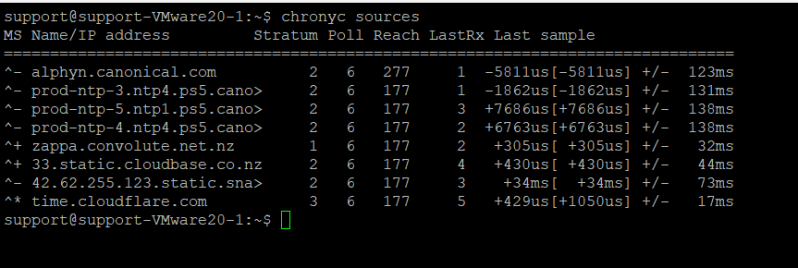
To check which time sources your system is using, run:
chronyc sources
In this output, the first character (^) indicates the source type (NTP), and the second character indicates status. For example, ^* indicates the selected source, while ^- indicates a reachable source that is not currently being used.
For more detailed synchronization information, run:
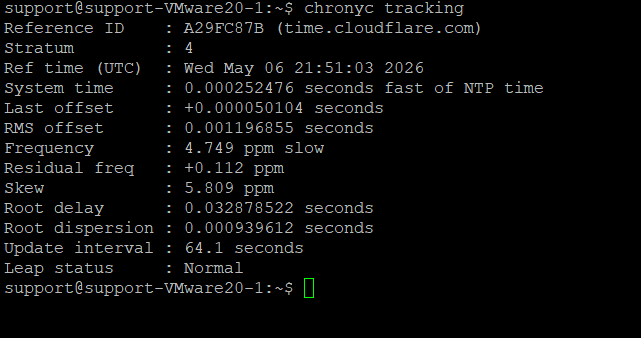
chronyc tracking
This command shows metrics such as system clock offset and frequency adjustments, which help confirm that your system is synchronizing correctly.
Configuration Of NTP In Esxi Hosts.
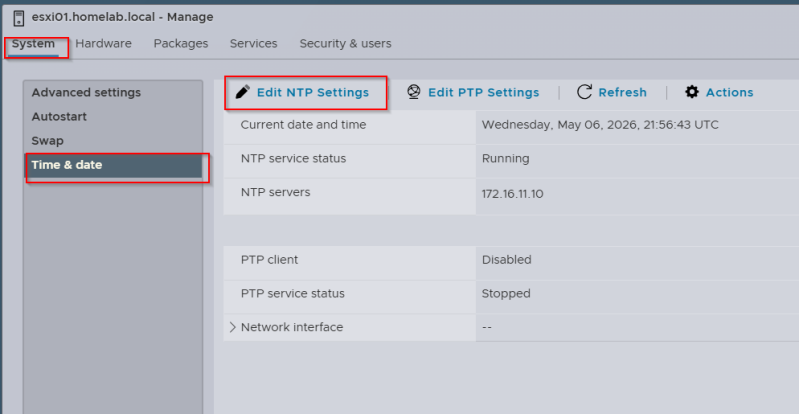
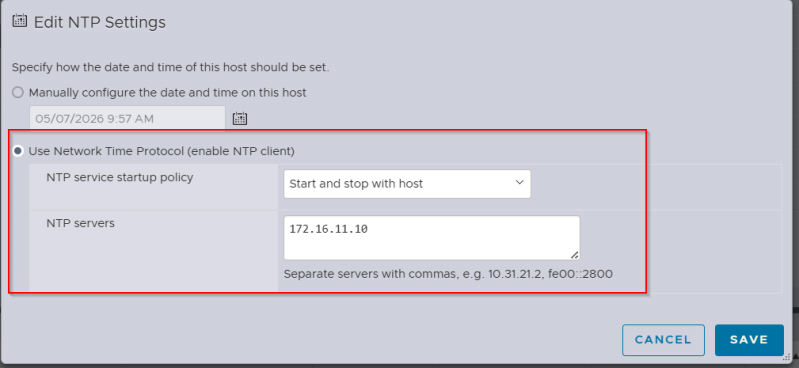
Login to Esxi host and follow the screenshot shown below.
Go to manage and click in System
Edit NTP Settings