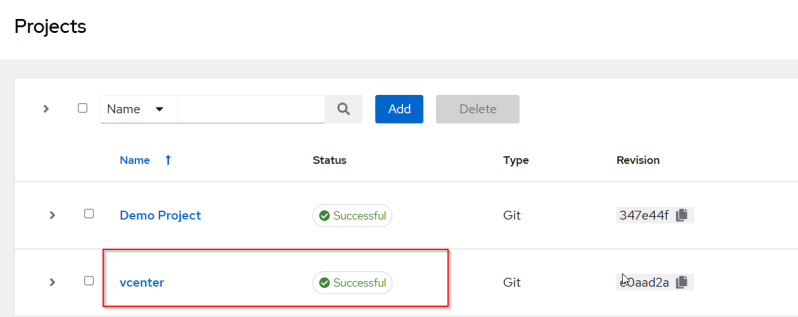
AWX Project
An AWX project is a logical collection of Ansible playbooks, roles, and collections, acting as a bridge between your automation code and the AWX execution engine. Projects map to source-controlled repositories (Git, Subversion) or local directories to ensure consistent, traceable automation
Setup AWX Project
For Demo purpose I will be using Github as the source control.
Login to GitHub and create a private repository if you don't have one.
Create a Personal Access Token
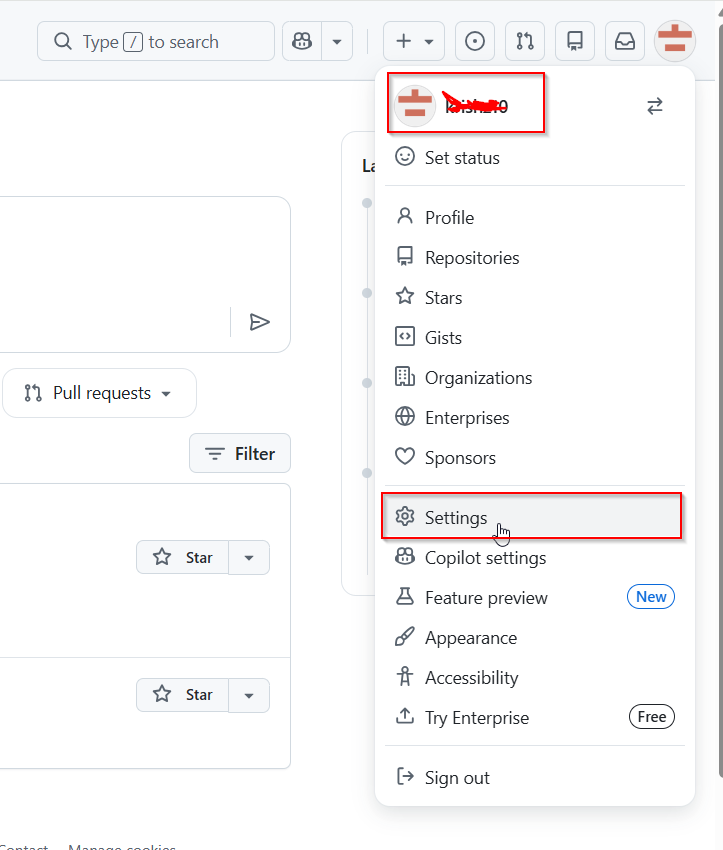
On top right corner click on user navigation Menu and click on settings
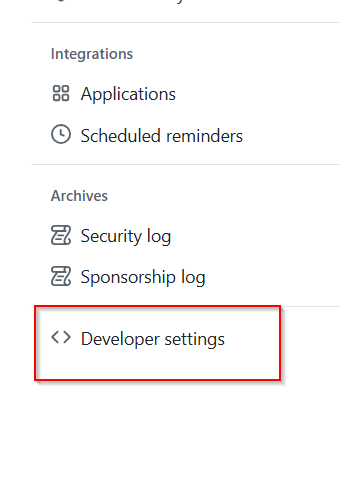
On left side of the page look for Developer setting
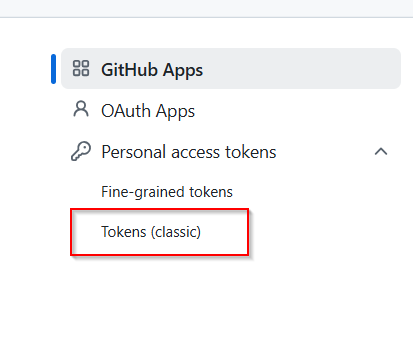
Drop down Personal Access Tokens and select Token
Click on Generate new token and select Generate new token classic.

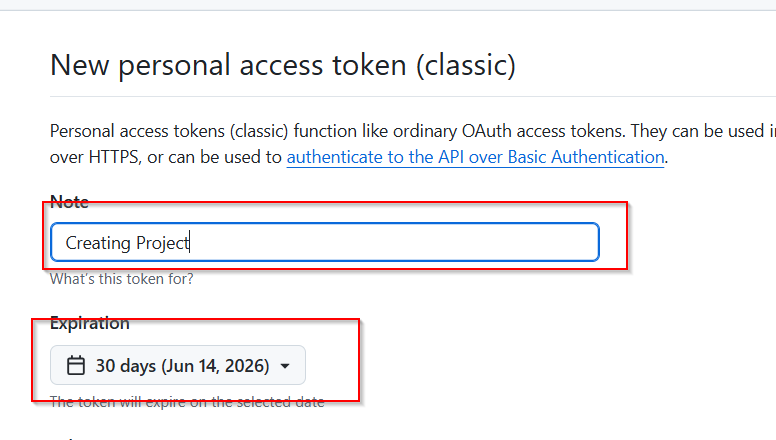
Add note and select expiry
Select repo
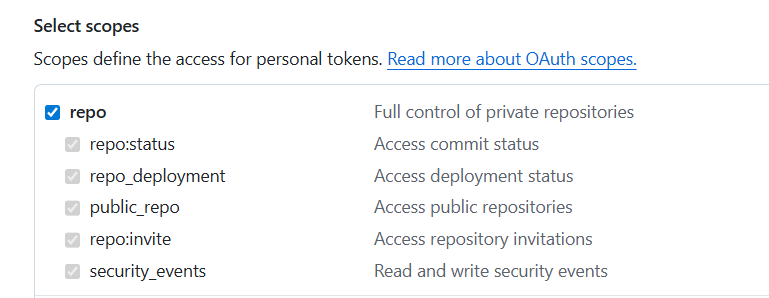
Select Project

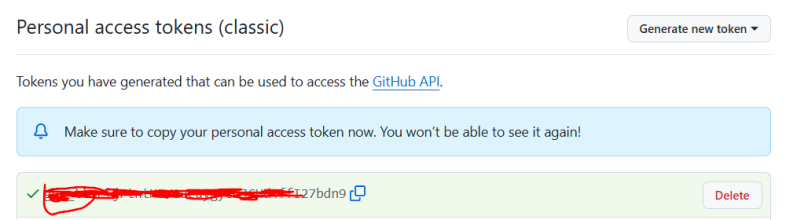
Generate the token

Copy the token and remember if you have lost the token you have to generate new one.
Copy the repo url from github which will be used later when creating project

Create Project
Login to AWX
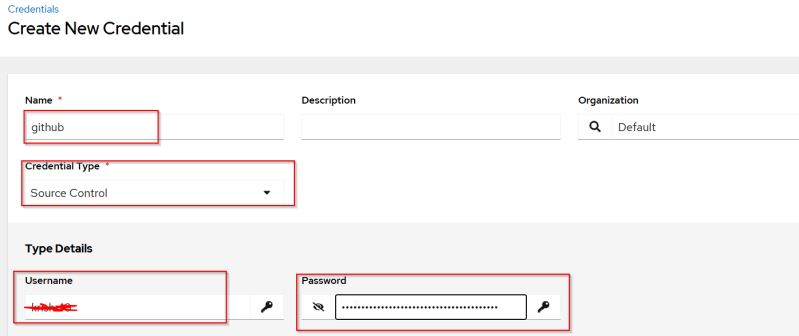
Create Credential for github
Use the username for github and password will the token which we had generated earlier
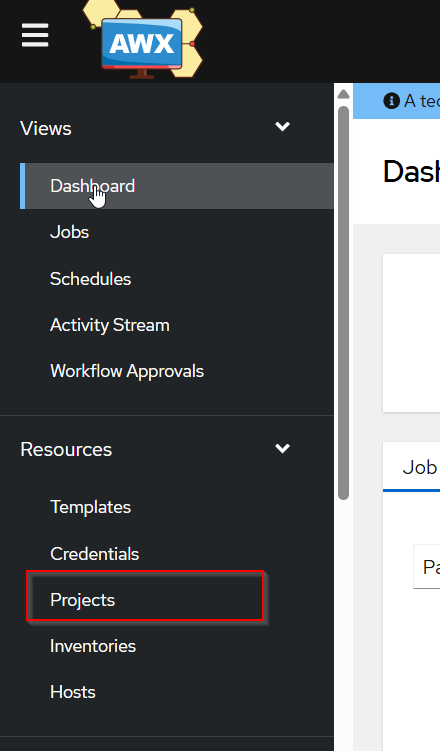
Navigate to Project
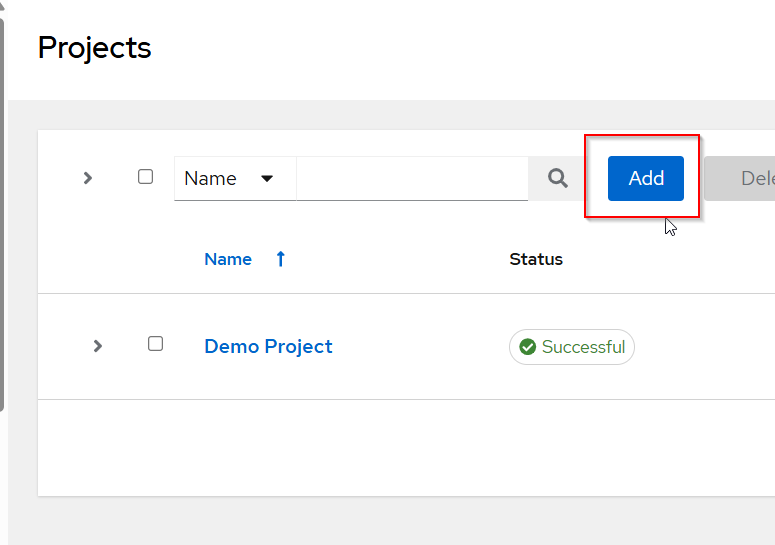
Add new project
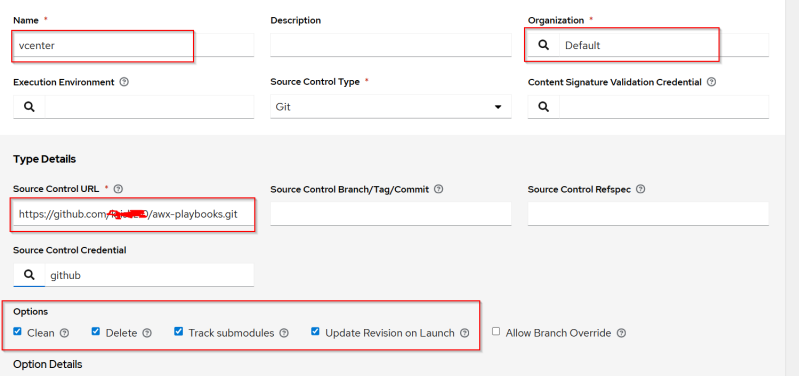
Fill out the form
Name: Name of Project
Organization : Default
Source Control URL : We captured earlier
Source Control Credentials : We created earlier
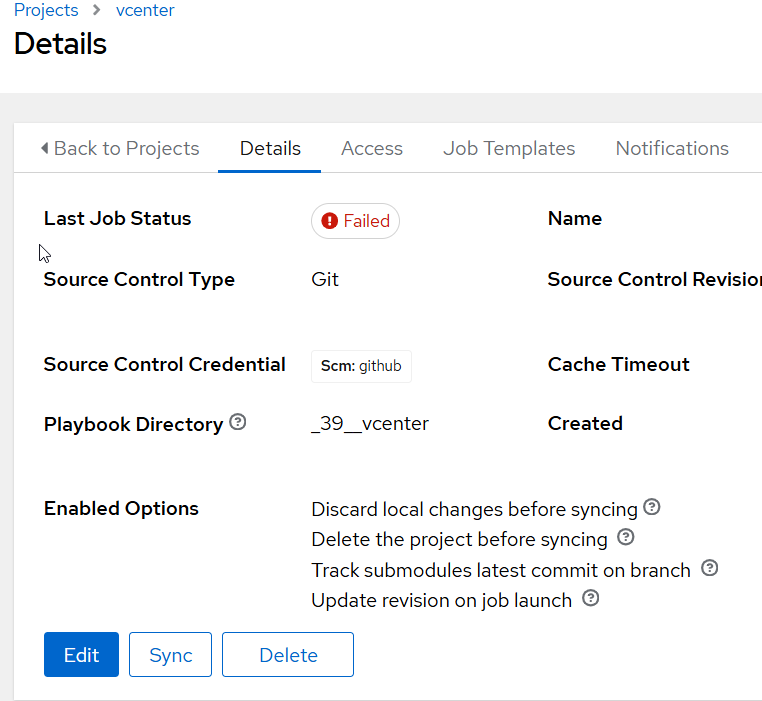
Once the project is created it sync's automatically and we have got an error.
Go to Jobs to review the error.
In Jobs page you can see the error.
Lets try to troubleshoot by cloning the repo using the token.
Open visual Studio Code and clone the repo using the token to see if it still gives error and if it is permission issue.
git clone https://Token@github.com/username/desktop-tutorial.git
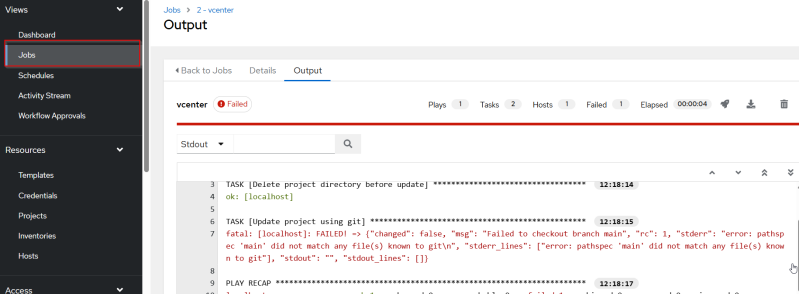
If your repo is empty it will throw an error.
Make sure there is some files in the repo

Go Back to the project again and perform sync again.