Deployment Of VMware vSphere Foundation
Deployment of VMware vSphere Foundation (VVF) involves using the VMware Cloud Foundation (VCF) Installer wizard to set up ESXi hosts, vCenter Server, and optionally vSAN for a software-defined data center. It requires licensed hardware, network preparation, and supports building private cloud environments with integrated operations management (VCF Operations)
Since I only have one host I will be deploying using JSON file.
Deployment using the Wizard
In this scenario I will demonstrate default behavior of VMware vSphere Foundation where there is a minimum requirement of 3 hosts even though we have updated single host deployment.
Login to VCF installer appliance from browser
https://vcf installer ip address/vcf-installer-ui/portal/getting-started
Follow the prompts
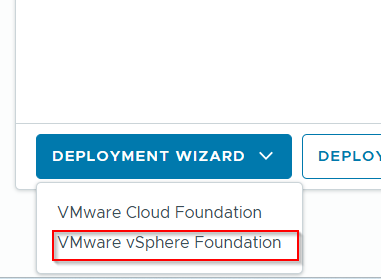
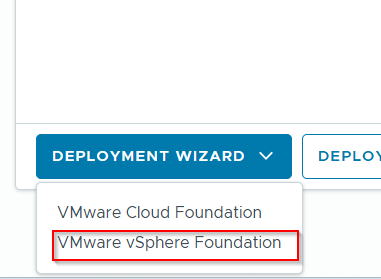
On the main page drop down deployment wizard and select VMware vSphere Foundation
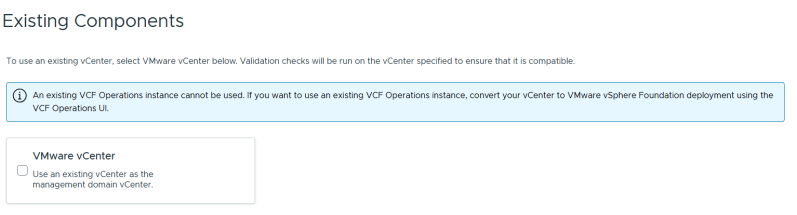
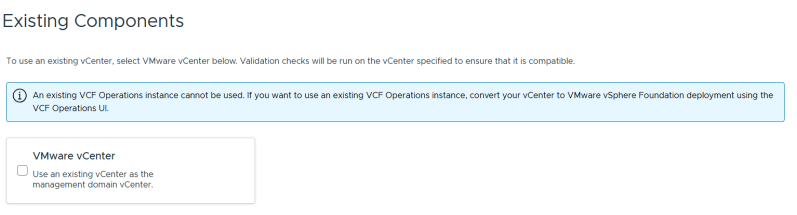
Select Next because this is a new deployment
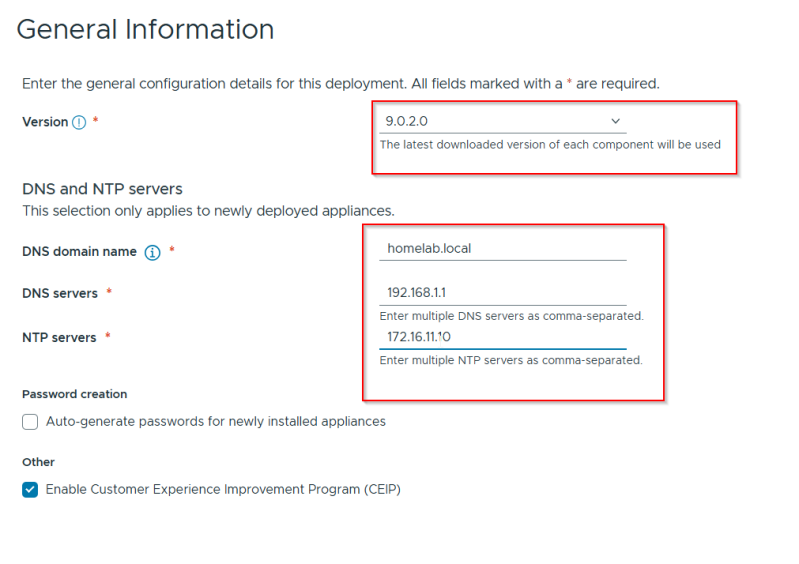
Select the version and fill out the information
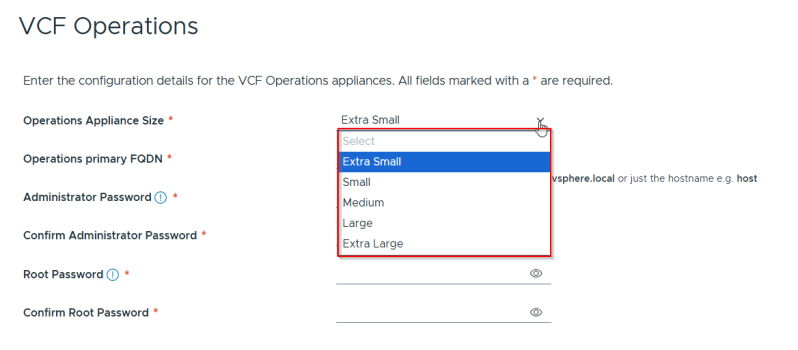
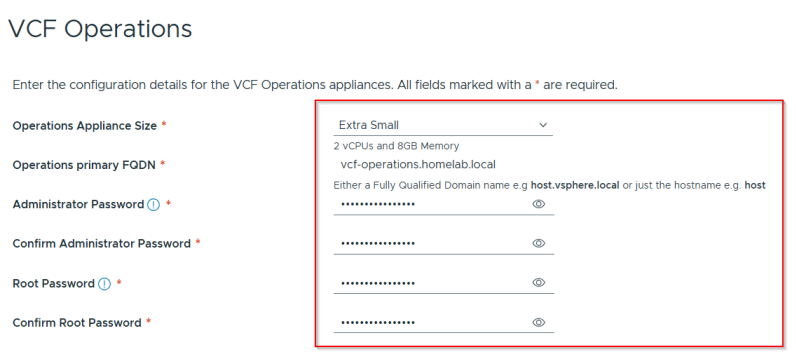
For Lab environment I will choose Extra small for VCF Operations
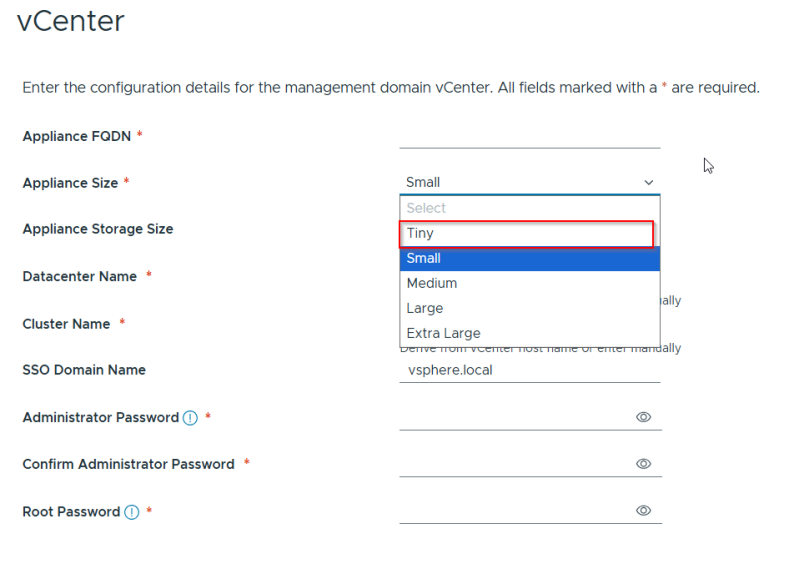
For Lab environment I will choose small for vcenter
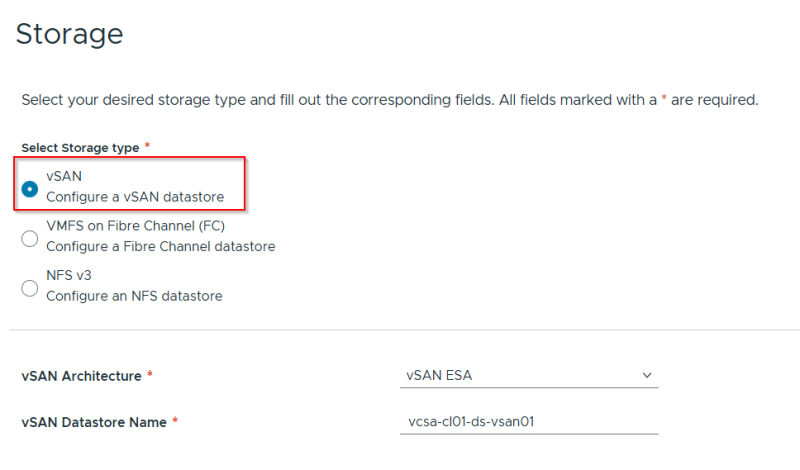
Deployment shows default behavior minimum of 3 hosts
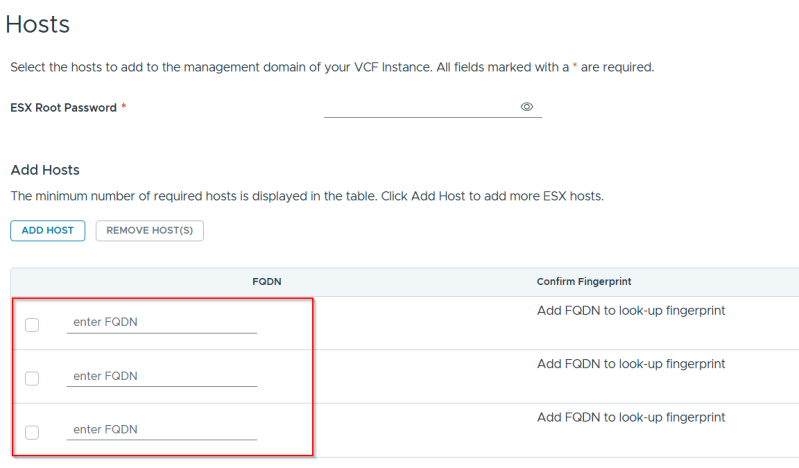
Deployment will not go further until all 3 hosts are added . If using 3 hosts best is to use same hardware or nested Esxi host vm's from same physical server.
Using mixed hardware vendors (e.g., Dell and HPE, or different CPU generations) in a VMware Cloud Foundation (VCF/VVF) cluster during installation causes validation failures, particularly when using vSphere Lifecycle Manager (vLCM). VCF requires homogeneous hardware for the Management Domain to ensure consistent firmware/driver management
Deployment using the JSON File
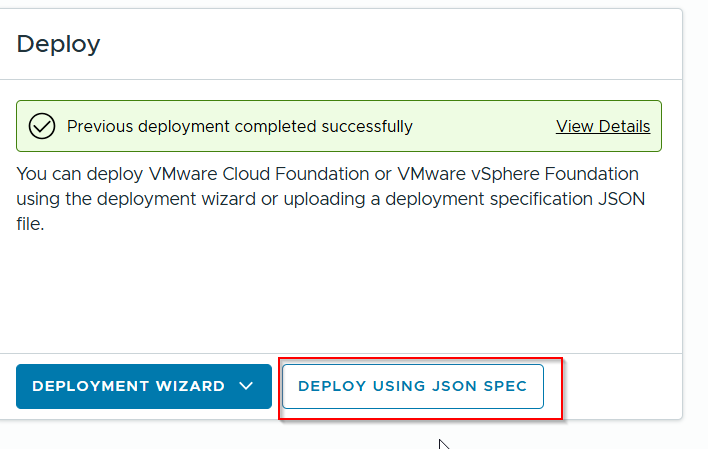
I will be demonstrating of using a JSON file to deploy VMware vSphere Foundation
In this scenario I will demonstrate default behavior of VMware vSphere Foundation where there is a minimum requirement of 3 hosts even though we have updated single host deployment.
Login to VCF installer appliance from browser
https://vcf installer ip address/vcf-installer-ui/portal/getting-started
Follow the prompts
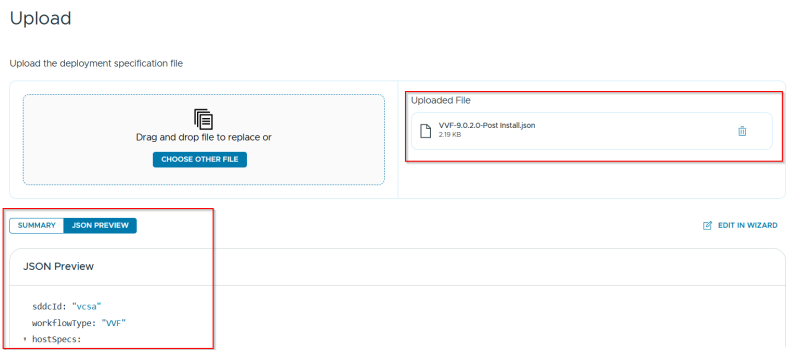
VVF is ready for deployment.
Please refer to troubleshooting guide for issues encountered and how it was resolved.
There will be error when enabling VSAN storage policy after vcenter is deployed.
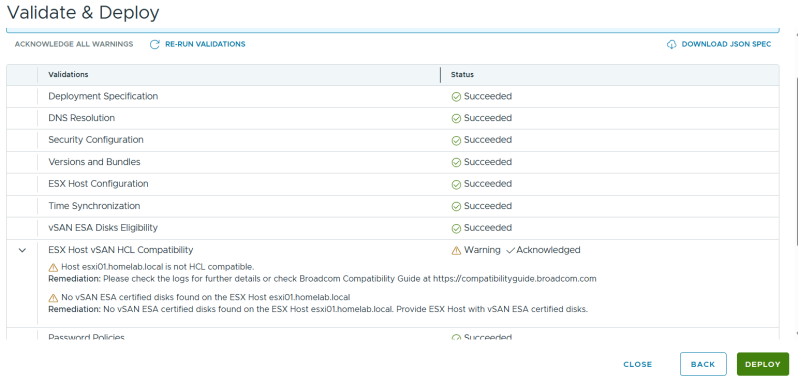
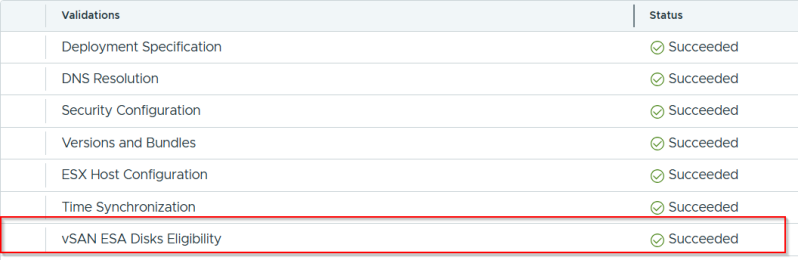
Rerun the validation once errors has been resolved.
Deployment in progress
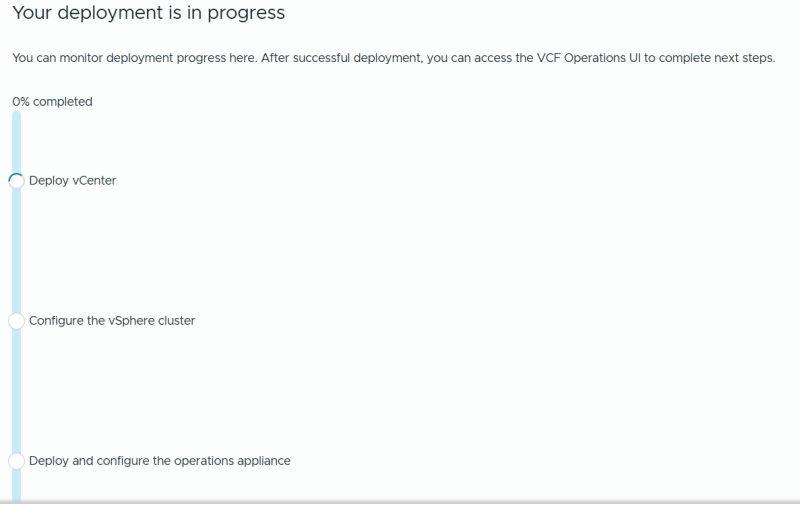
Please note when vcenter is deployed VSAN is configured as RAID1 with node requirement of 3 but we are only using one so it will error with failed to enable storage policy.
The vSAN Default Storage Policy usually demands 1 failure - RAID-1 (Mirroring), requiring a minimum of 3 nodes to tolerate 1 host failure. This default ensures data redundancy (FTT=1) and Thin Provisioning for new VMs if no other policy is specified.
During deployment when vcenter is up and running storage policy needs to be change to single node.

After remediation issue has been resolved and now deploying VCF Operations appliance.
Please refer to troubleshooting guide.
Final step of the workflow is VCF Operations is deployed and license needs to be configured.