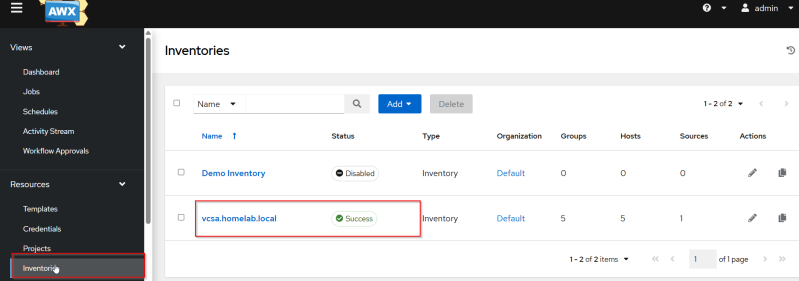
AWX Inventory
In AWX , an inventory is the source of truth for all the systems you manage. It defines:
-
Hosts (servers, VMs, network devices)
-
Groups (logical collections of hosts)
-
Variables (host‑level, group‑level, or global)
-
Credentials used to connect
-
Dynamic inventory sources (cloud, scripts, plugins)
In AWX, inventories are managed through the UI or API and can be static or dynamic.
Adding vCenter Inventory
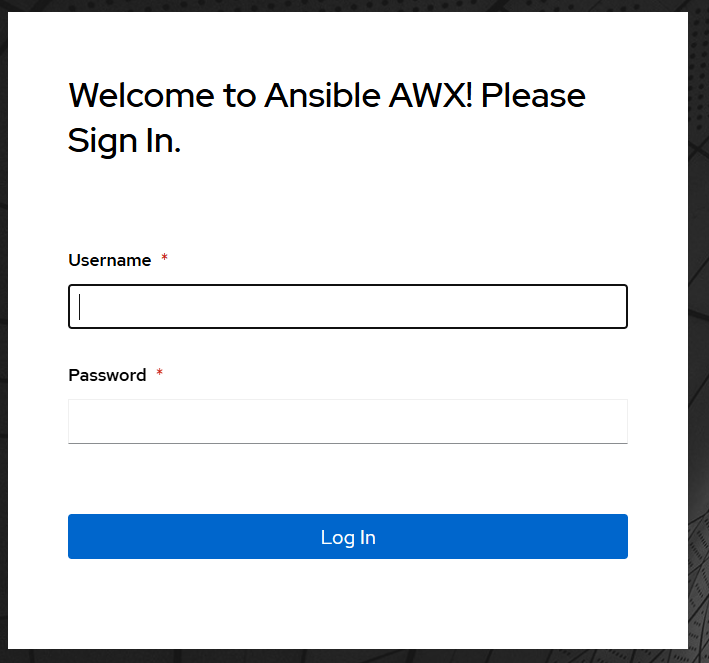
Login to AWX UI.
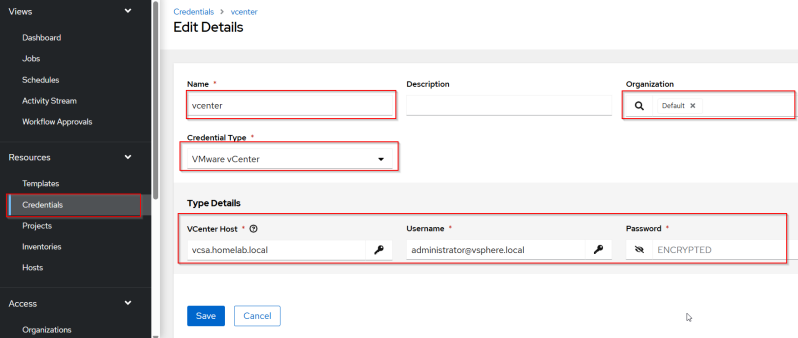
Create vcenter credentials
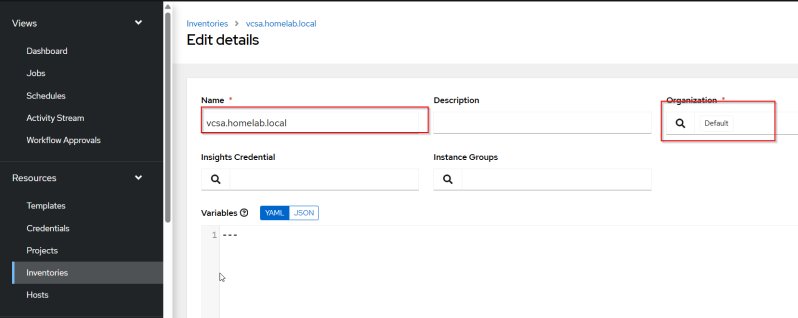
Add inventory
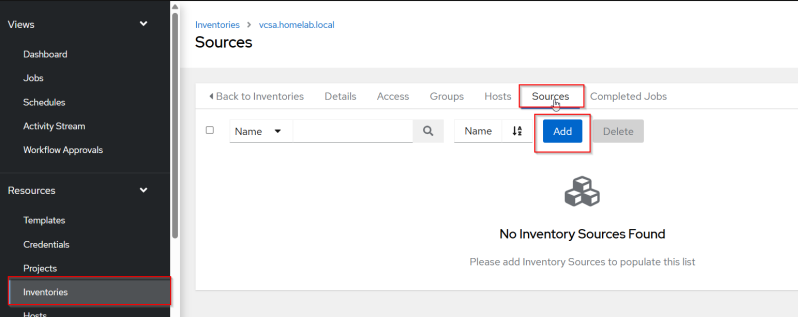
Go to inventory and click on the vcenter inventory just created to add source.
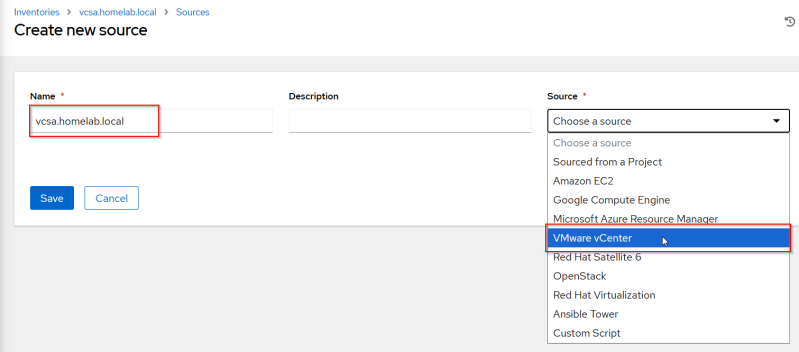
Add vcenter as the source
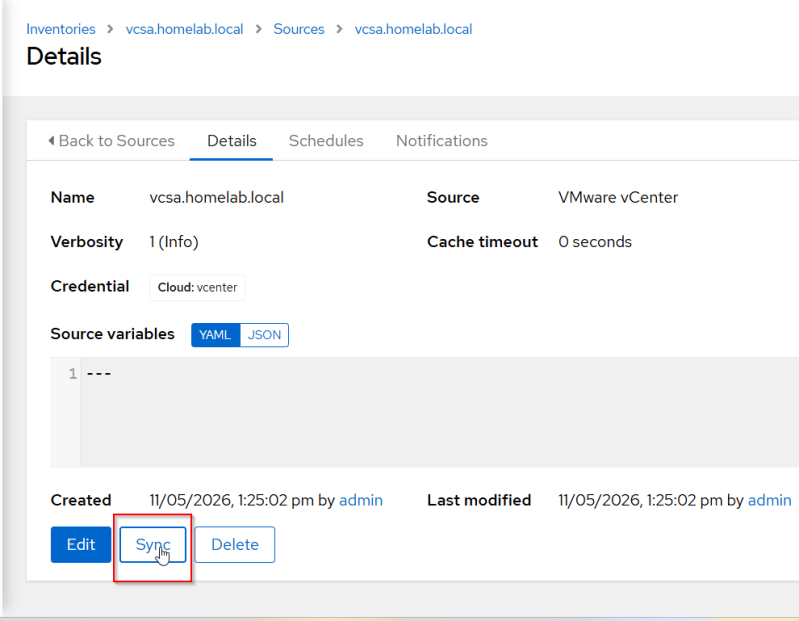
Perform a sync
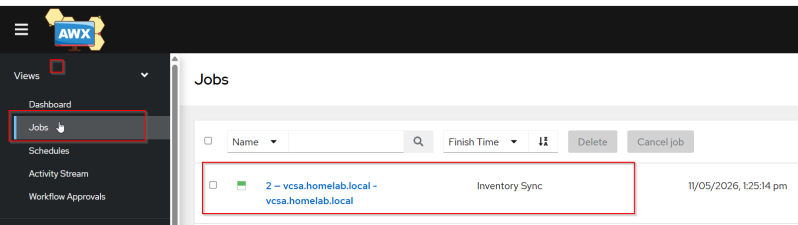
Go to Jobs to see if there is any errors
Go back to inventory to check the inventory status if it was a success or fail.