Deployment Of vSphere Esxi 9.02
Installing and configuration of ESXi 9.0.2 as part of the infrastructure preparation for VMware vSphere Foundation, enabling the deployment of the VMware Cloud Foundation Installer.
- Download ISO is not bootable so I have used Rufus to make a bootable ISO on a usb stick.
- https://rufus.ie/en/
- Use function key to select boot device . Normally it is F11
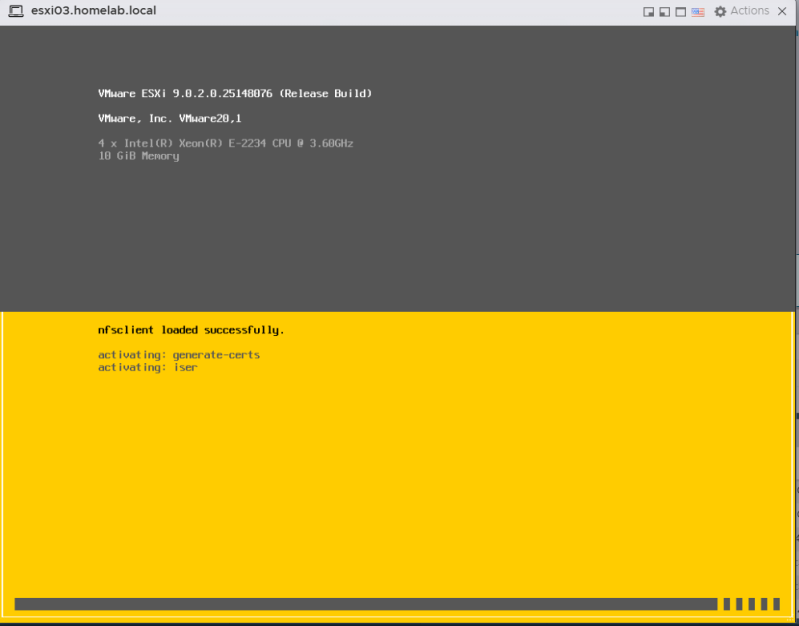
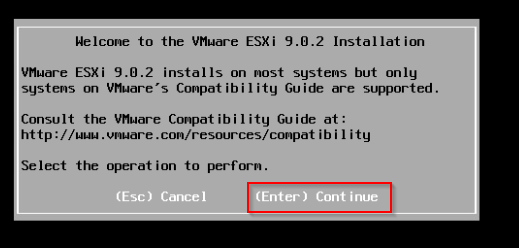
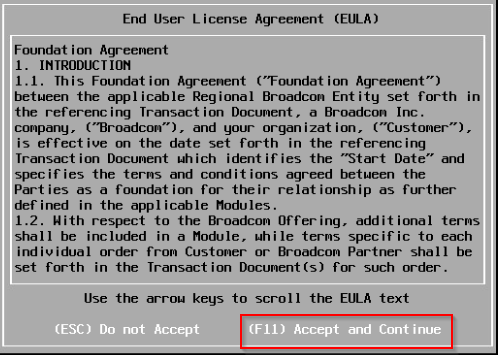
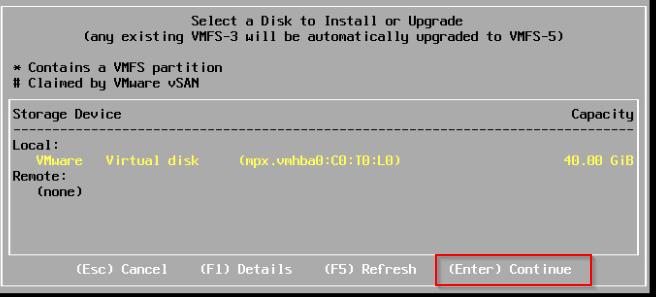
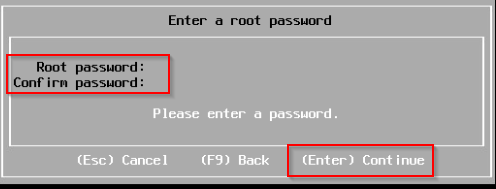
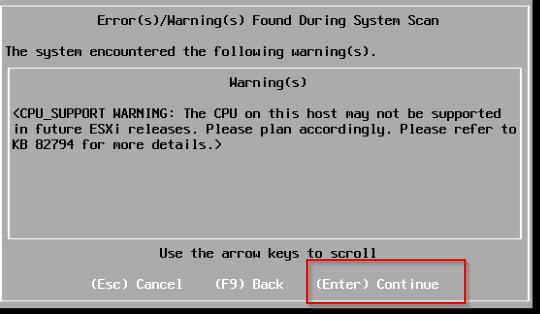
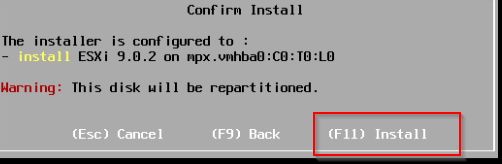
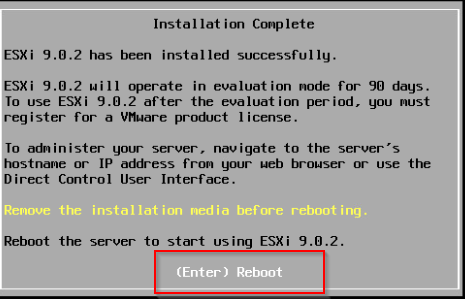
- Follow the prompts to install Esxi.
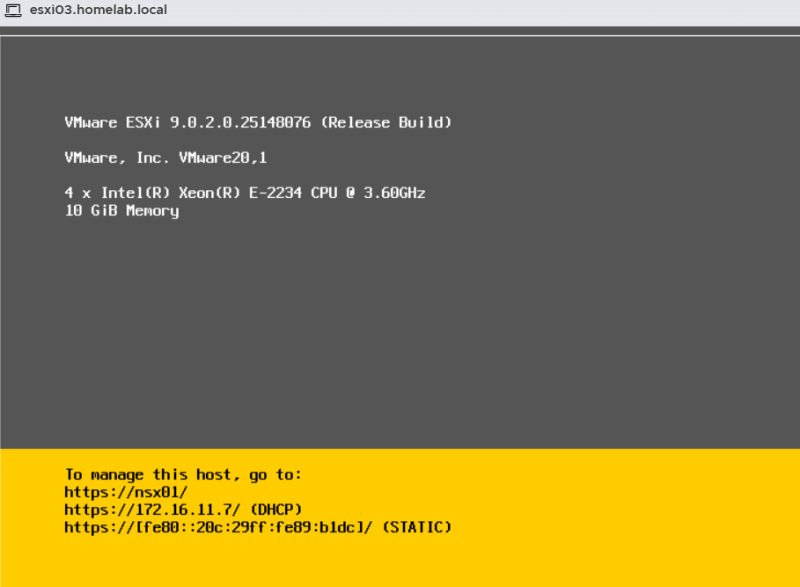
Initial Configuration Of vSphere Esxi 9.0.2
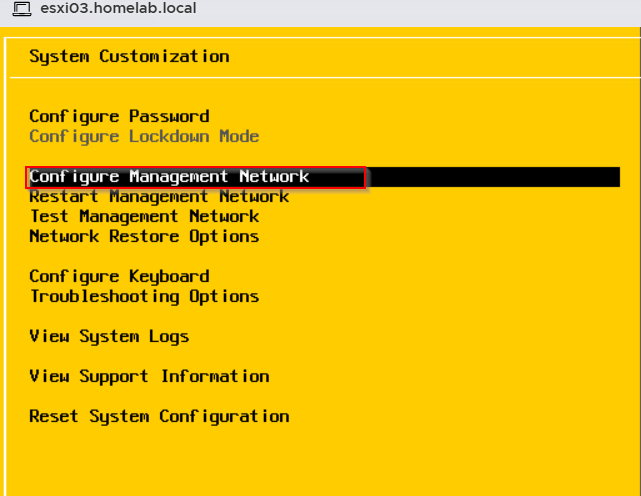
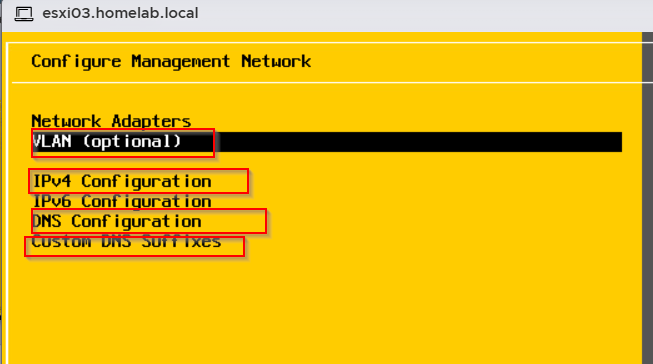
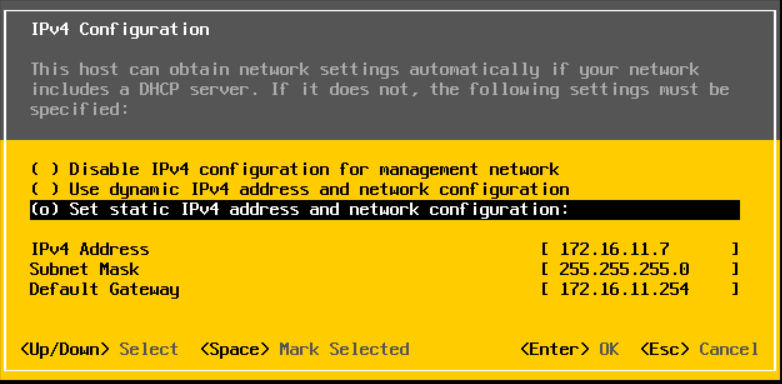
Press F2 to configure and follow the steps to configure
- VLAN if needed
- IP address
- Hostname
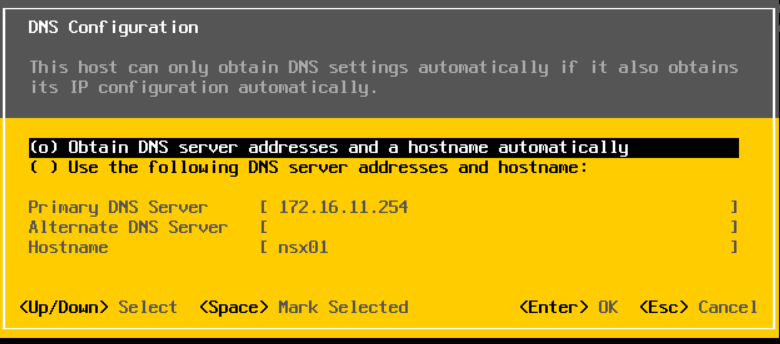
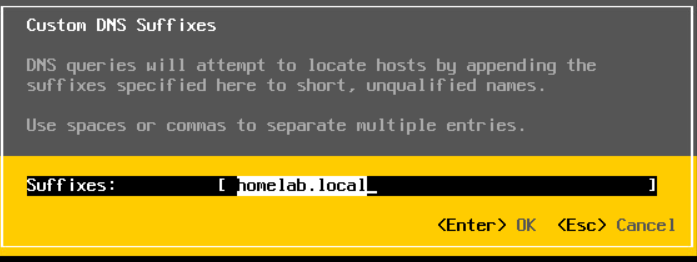
- DNS
Regenerate the Certificate
Regenerating the self-signed certificate on an ESXi host before VCF (VMware Cloud Foundation) deployment is a crucial pre-requisite, primarily because the initial certificate is generated with incorrect default settings (e.g., localhost.localdomain) before the final FQDN (Fully Qualified Domain Name) is configured. If not regenerated, the VCF Cloud Builder appliance will fail to add the hosts during commissioning
Correct Time & Hostname: Ensure NTP is configured and the FQDN is set correctly.
SSH into Host: Log in as root via SSH.
Run the command: /sbin/generate-certificates
Restart Management Services: Apply the new certificate by restarting hostd:/etc/init.d/hostd restart.
If restarting of the service doesn't update the certificate reboot the Esxi host.